
A simpler ClickUp alternative for design studios.
ClickUp has a feature for almost everything, and settings to match. PixelTask has what a small studio uses every day, and turns off the rest.
UpdatedJust enough.
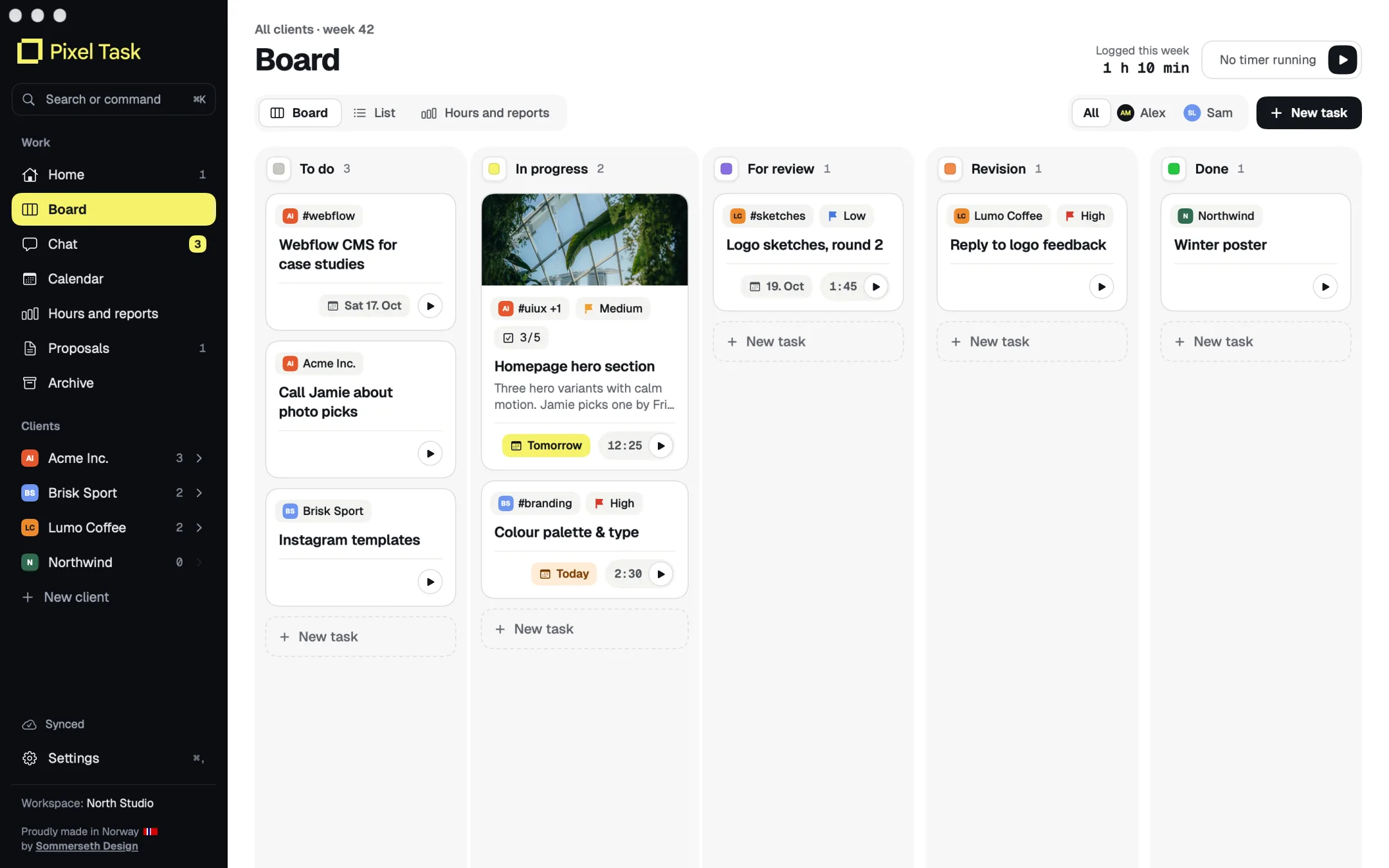
Chat, calendar, proposals, notes and brand manuals can be turned on and off. You only see what you use.
Proposals and brand manuals.
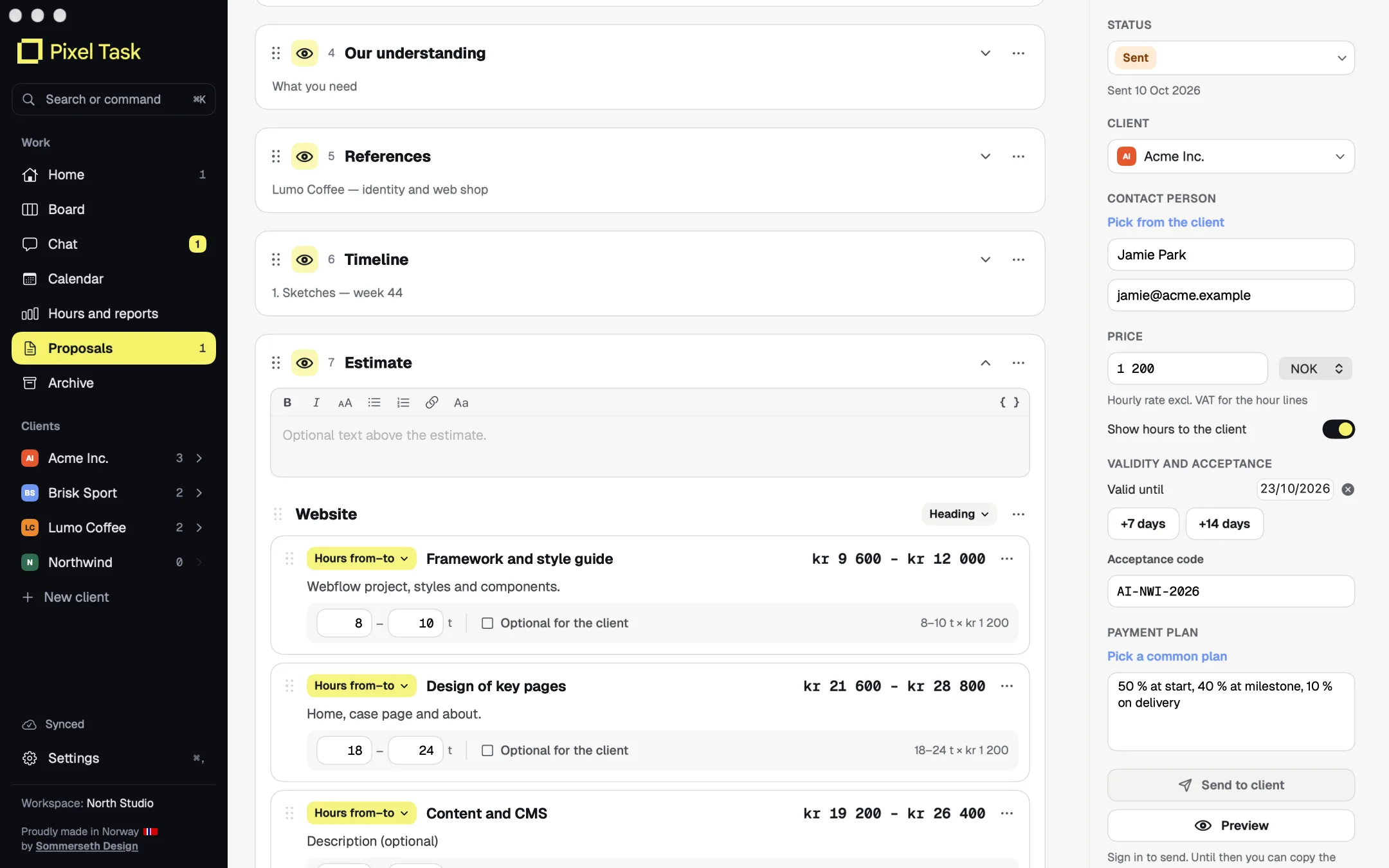
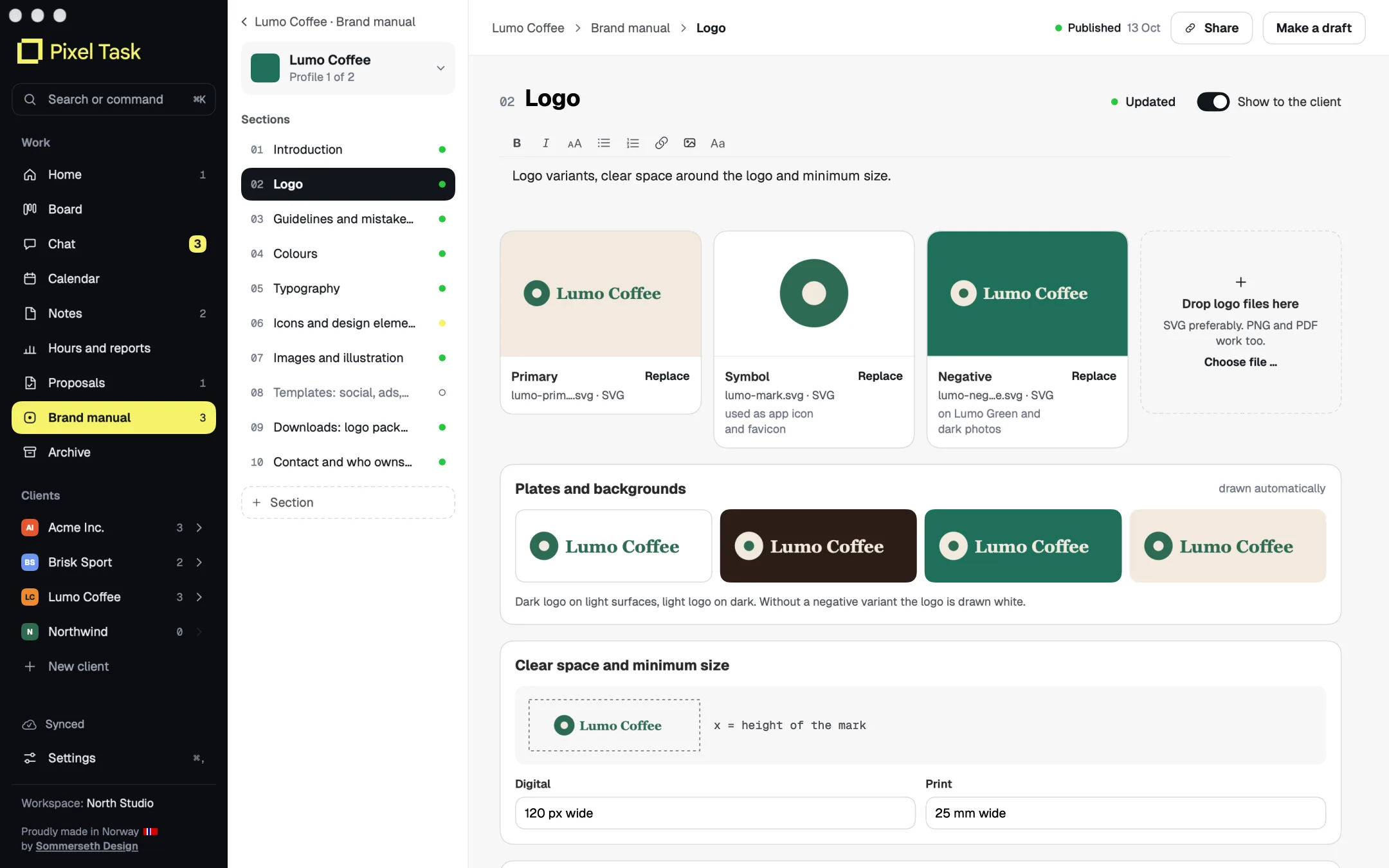
Two things ClickUp doesn't have: proposals clients accept online, and a shared brand manual per client.
Your language, data in the EU.
PixelTask speaks six languages and stores data in Stockholm. ClickUp keeps EU hosting for Enterprise.
PixelTask and ClickUp, point by point.
What matters to a small design studio: the hours, the tasks, the clients and what you deliver.
| Feature | PixelTask | ClickUp |
|---|---|---|
| Time tracking built into tasks | ✓The timer starts when a card moves to In progress | ✓From Unlimited |
| Tasks on a board | ✓Yes | ✓Yes |
| Hours and invoice basis as PDF | ✓Per client, project and person | ~Billable hours and CSV |
| Proposals the client accepts online | ✓The client accepts with a one-time code | –No |
| Brand manual per client, shared with a link | ✓Add-on: logos, colours, fonts and files | –No |
| Chat per client | ✓Yes | ✓ClickUp Chat |
| Freelancers and partners with limited access | ✓Yes | ✓Guests, by plan |
| Native Mac app | ✓Yes | ✓Yes |
| iPhone and Android | ~On the way: same cards, hours and chat | ✓Yes |
| Works offline | ✓Everything is saved on the Mac first | ~Limited, no editing |
| In Norwegian | ✓And five other languages | –No |
| Data stored in the EU | ✓Stockholm | ~Enterprise only |
As of October 2026, from the vendors' own pages. If something is wrong, tell us at hello@sommersethdesign.no and we'll fix it.
To be fair.
When ClickUp is the better fit
- You want one tool for everything, with dashboards, goals, docs and automation.
- You are many departments with different workflows.
- You need deep integrations and a large API.
When PixelTask is the better fit
- You want a calm tool you can start using the same day.
- You track hours and send proposals to clients.
- You want to share the brand manual with the client and the printer.
What it looks like.
Questions and answers.
Is PixelTask an alternative to ClickUp?
For small design studios who want fewer buttons, yes. ClickUp has more features; PixelTask has proposals and brand manuals on top of hours and tasks.
Does ClickUp have time tracking?
Yes, from the Unlimited plan, with billable hours and CSV export (as of October 2026). PixelTask makes timesheets and invoice basis as PDF.
Can I turn off features I don't use?
Yes. In PixelTask the owner can turn off Chat, Calendar, Proposals, Notes and Brand manual, and they disappear from the menu.
Other comparisons.
- https://clickup.com/pricing
- https://help.clickup.com/hc/en-us/articles/6308895791127-Offline-Mode
- https://help.clickup.com/hc/en-us/articles/15999383444247-Data-hosting
- https://help.clickup.com/hc/en-us/articles/29776622610199-Chat-feature-availability-and-limits
- https://help.clickup.com/hc/en-us/articles/6311968998167-My-Settings
Asana, Notion, ClickUp, Todoist and Timely are trademarks of their respective owners. PixelTask is not affiliated with, sponsored or endorsed by them.
Try it yourself.
PixelTask is in beta with us and a couple of partner studios. Join the waiting list and we'll tell you when you can try it.
Join the waiting list